
Automated Website Screenshot Monitoring Using ScreenshotOne and viaSocket
The first time a blank screenshot appeared in our monitoring output, the cause was a three-second JavaScript load that the default delay setting did not account for. No error. The API call succeeded. The screenshot was just wrong. That is what building website screenshot automation from scratch looks like in practice: the headless browser works locally, behaves unpredictably in production, and the failures are silent until someone notices the output is missing.
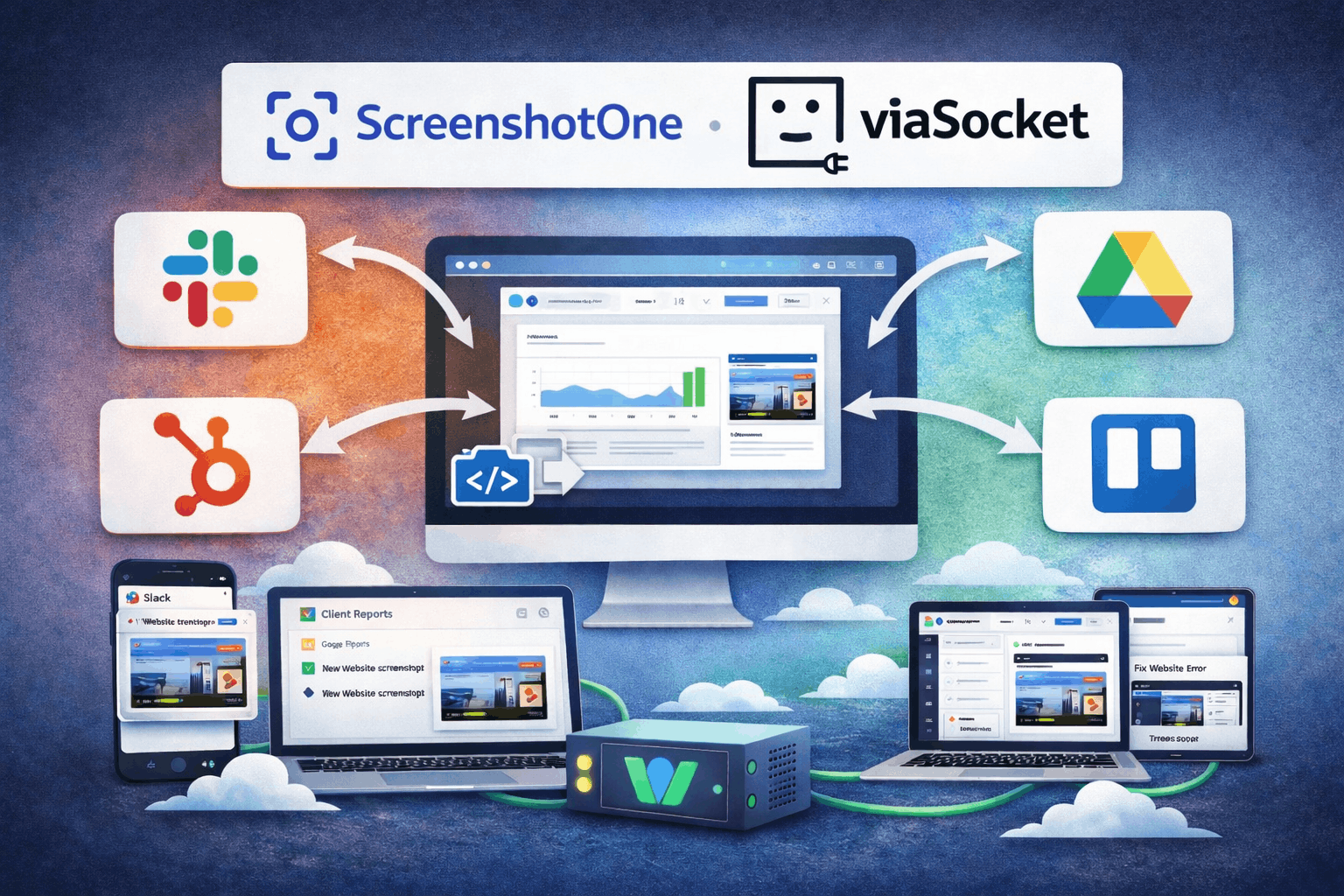
This article covers a specific combination that removes both failure points: the ScreenshotOne API for rendering, and viaSocket for workflow orchestration.
What ScreenshotOne Actually Handles
Browser automation is hard to operate reliably at volume. Puppeteer and Playwright are excellent libraries. They are not excellent infrastructure. Memory leaks, zombie processes, bot detection, and page load timing are not bugs you fix once. They are conditions you manage continuously.
ScreenshotOne moves that management off your plate. You send a URL and parameters, it returns a screenshot. Behind that interface it maintains the headless browser fleet, handles rendering timeouts, and manages JavaScript execution timing across arbitrary page structures.
The parameters that matter beyond the basics: cookie injection for authenticated pages, element blocking to exclude cookie banners and live chat widgets that make visual comparisons meaningless, and custom CSS injection to hide dynamic content like timestamps that would flag as a regression when nothing real changed. Getting those working reliably in a self-hosted setup compounds into ongoing maintenance every time a browser engine updates or a target site changes structure.
What viaSocket Adds
viaSocket at lets you send authenticated HTTP requests to any REST API from inside a visual workflow. Most no-code platforms require a native connector before you can use a third-party service. ViaSocket does not. You configure the HTTP request directly, which gives you full control over every parameter the ScreenshotOne API exposes.
What makes it operationally useful beyond functional capability is what it handles at the platform level: retry logic, error branching, credential storage, and execution logging. A script calling the ScreenshotOne API works until it does not, and you find out because the output stops appearing. A ViaSocket workflow surfaces that failure and routes it to a notification step automatically.
According to Kissflow's enterprise automation benchmarks, organizations on no-code platforms report 50 to 70 percent faster development cycles than traditional development. The more useful implication here is access: the person who understands the business need can build and maintain the workflow themselves without waiting for engineering capacity.
Why This Combination Works
What you stop owning matters as much as what you gain. The alternative to this integration is a custom backend: a scheduler, a rendering service, a storage layer, error handling, and a notification system. For a team that needs one screenshot workflow, that is significant time spent on something that is not core work. For a team that needs several, it becomes a small internal platform someone has to own indefinitely.
viaSocket handles the coordination. ScreenshotOne handles the rendering. What you are not maintaining is the retry logic, credential handling, execution logging, and error routing. According to the Postman State of the API 2024 Report, API integration is the most time-consuming development task for nearly half of developers surveyed. Moving that work into configuration rather than code reduces what needs maintaining across the life of the workflow.
Building the Workflow
Before opening viaSocket, test your target URLs in the ScreenshotOne API explorer directly. Note the minimum delay each URL needs before the page fully renders. If it consistently renders in two seconds during testing, set three seconds in the workflow. Production rendering times vary with server load, so your testing baseline is a floor not a ceiling.
In viaSocket, create a workflow and choose your trigger. Time-based for scheduled captures, webhook for deployment-triggered ones. Add an HTTP request action pointing at the ScreenshotOne API endpoint, authenticate using viaSocket's secure credential storage, and map the target URL from the trigger data into the request parameters if it is dynamic.
Add an explicit error branch before any output steps. Without it, a failed API call means the screenshot column in your tracking sheet is blank that day, and you find out three days later when someone asks why the report is incomplete.
Route the output to wherever the person responsible for reviewing screenshots actually works.
Where Teams Use This
Competitive monitoring works best as a weekly cadence on ten to fifteen high-value pages rather than a daily sweep of everything. BrowserStack's visual regression testing documentation notes that consistency of capture matters more than frequency. Same viewport, same parameters, same schedule. Variable conditions generate noise, not signal.
Deployment verification is where the ROI is clearest for QA teams. A post-deploy webhook triggers viaSocket, ScreenshotOne captures key pages immediately after release, and the screenshots land alongside pre-deployment captures for comparison. The Dotcom-Monitor guide to website change monitoring makes the point that CSS regressions shifting layout without changing page content are completely invisible to text-based monitoring. They appear immediately in a screenshot comparison.
For agencies, automating screenshot capture across a client portfolio removes the manual overhead of visiting every affected URL after a CMS update or campaign launch.
Two Mistakes Worth Avoiding
Element blocking is consistently underused. Cookie overlays and live chat widgets appear differently per session, time of day, and geography. Configure blocking rules before you build a comparison library, not after you have accumulated captures that are all inconsistent with each other.
For workflows processing many URLs, space the requests rather than firing them simultaneously. Batch failures under rate limits look intermittent and are harder to diagnose than a systematic spacing configuration you put in place from the start.
Start Here
Open the ScreenshotOne API explorer and test one URL you actually care about monitoring. Note the delay it needs. Go to viasocket.com, build the workflow around that URL, run it. The decisions you make on the first workflow carry forward to every subsequent one.