
Picsart Automation: Create Faster, Design Smarter
Introduction
There’s always that moment. You’re switching between Picsart and another app—maybe uploading images, then jumping back to edit, then exporting again, then sharing somewhere else. It feels small at first. Just a few clicks. But do that 20 times a day, and suddenly your creative energy is spent on moving files instead of creating something meaningful.
The frustration isn’t loud. It’s quiet. It sits in the background while you rename files, fix formatting issues, or resend the same designs. The work itself isn’t hard—it’s just… stitched together in a way that drains you.
And then automation slips in, almost unnoticed. Files move on their own. Edits trigger actions. Designs land exactly where they should without you pushing them. It’s not dramatic, but it changes everything. The workflow becomes lighter. The noise fades.
Smart teams understand this shift. They don’t chase speed—they remove friction. Because when friction disappears, creativity finally has room to breathe.
Table of Contents
Auto-Save Edited Images to Cloud Storage
Publish Designs Instantly to Social Media
Sync Designs with Team Communication Tools
Turn New Content into Editable Templates
Track Design Requests from Forms Automatically
Backup and Organize Creative Assets Seamlessly
Auto-Save Edited Images to Cloud Storage
Imagine editing images in PicsArt and then manually uploading each file to Google Drive. Rename, organize, drag, drop—repeat. It’s not creative work, but it eats into your day.
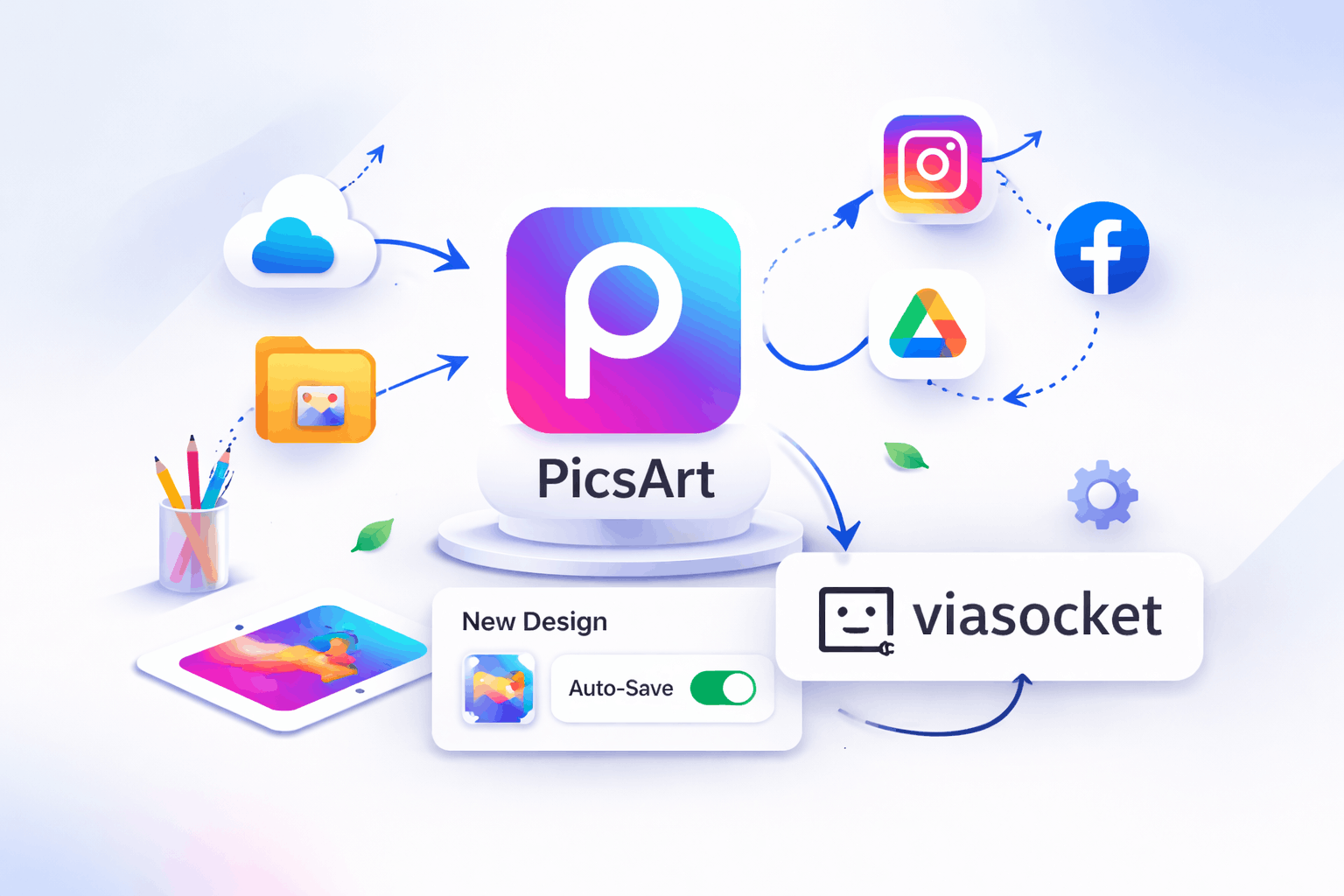
Automation changes the rhythm completely. The moment you finish editing, files can automatically upload, categorize, and even tag themselves.
You can:
- Save edited images directly to folders in Google Drive
- Trigger uploads to Dropbox instantly after export
- Rename files dynamically using project names
- Sync assets with OneDrive for team access
Suddenly, your workspace feels clean. No lost files. No repetitive uploading. Just a quiet system doing its job while you move on to the next idea.
Publish Designs Instantly to Social Media
You finish a design. Then comes the routine—download, open another app, upload, write captions, post. Do this across platforms, and it becomes a loop that pulls you away from actual design work.
Automation compresses that entire loop into a single action.
Now you can:
- Auto-post edited images to Instagram
- Schedule posts directly to Facebook after editing
- Share designs to Pinterest boards instantly
- Send drafts to Twitter for quick publishing
The moment you hit “done” in PicsArt, your content is already moving. And you? You’re free to focus on the next creative spark instead of distribution logistics.
Sync Designs with Team Communication Tools
Sharing designs with teams often means downloading files, opening chats, attaching images, and explaining context—again and again.
Automation turns sharing into something that just… happens.
You can:
- Send new designs directly to Slack channels
- Notify teams in Microsoft Teams when edits are ready
- Create preview links automatically in Notion
- Attach designs to tasks in Trello
It removes that awkward lag between creation and collaboration. The team stays aligned, and you don’t have to chase updates.
Turn New Content into Editable Templates
Recreating similar designs over and over is one of those hidden drains. Same layout. Same structure. Slight tweaks.
Automation flips that into a reusable system.
You can:
- Convert finished designs into templates stored in Airtable
- Auto-save layouts for reuse in Notion
- Trigger template creation for recurring campaigns
- Sync assets with Canva libraries
Now, instead of starting from scratch, you’re building on your own past work. That’s where creative momentum starts to build.
Track Design Requests from Forms Automatically
Design requests usually come from everywhere—emails, messages, random notes. Things get missed. Deadlines slip.
Automation brings structure to the chaos.
You can:
- Capture requests from Google Forms into a workflow
- Create tasks in Asana automatically
- Store briefs in Notion databases
- Notify teams instantly when a new request arrives
Instead of chasing work, the work comes to you—organized, clear, and ready to act on.
Backup and Organize Creative Assets Seamlessly
Losing designs—or spending hours searching for them—is more common than anyone admits. Manual organization rarely keeps up with creative speed.
Automation builds a silent safety net.
You can:
- Backup every edit to Dropbox
- Categorize assets by project in Google Drive
- Archive completed designs in Box
- Sync assets across devices automatically
There’s a kind of calm that comes with knowing everything is exactly where it should be. No scrambling. No second-guessing.
Take Your PicsArt Workflows to the Next Level
When everything finally flows the way it should, it becomes obvious that this isn’t just about automation — it’s about gaining clarity, confidence, and real control over your work. The hours you save, the accuracy you unlock, and the ability to scale without friction all come together to create a system that’s ready for tomorrow, not just today. It reflects the mindset of true innovators — the kind that quietly remove obstacles so creativity can rise without resistance.
👉 Start automating in minutes with viaSocket — https://viasocket.com/signup