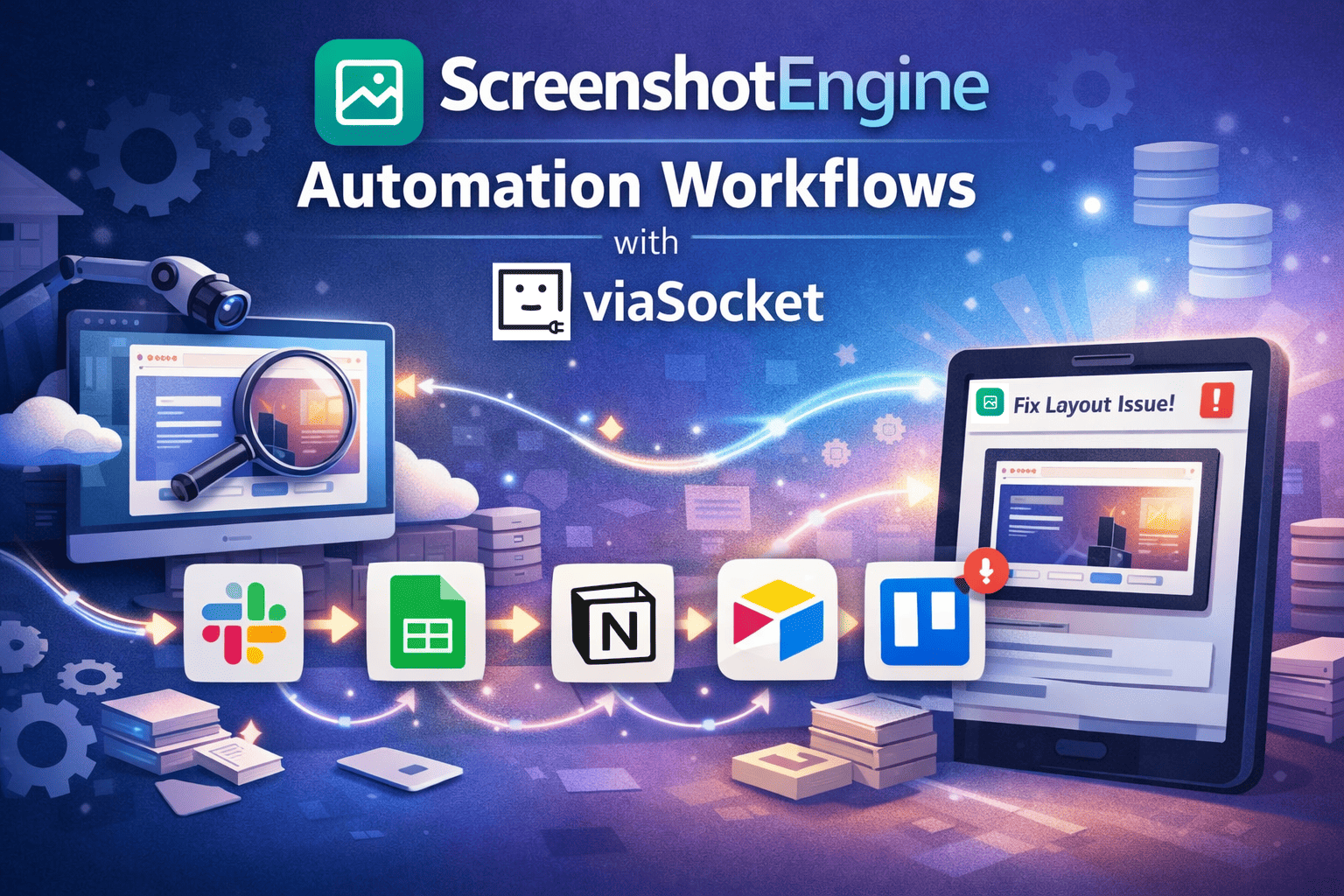
ScreenshotEngine Automation Workflows with viaSocket
Every time a website changes, someone ends up taking screenshots.
Open browser. Resize screen. Refresh. Capture. Rename. Upload. Repeat.
If you manage QA checks, client reports, SEO audits, or visual monitoring, this work quietly steals hours. It’s not hard work. It’s just constant.
ScreenshotEngine solves the “how do we capture screenshots at scale” problem.
viaSocket solves the more important one: what happens after the screenshot is taken.
Automation turns screenshots from a task into a system.
Table of Contents
Send visual website changes to Slack instantly
Log scheduled screenshots into Google Sheets
Attach screenshots to Notion QA pages automatically
Build a visual archive in Airtable for audits
Create Trello cards from failed visual checks
1. Send visual website changes to Slack instantly
When a landing page breaks, nobody notices until a customer does.
Teams manually check pages, share screenshots late, and react even later.
With viaSocket, ScreenshotEngine captures the page on a schedule or trigger. The moment a new screenshot is generated, it’s pushed straight into Slack with context. No downloads. No forwarding. No “did you see this?” messages.
Visual awareness becomes real-time, not reactive.
Explore more workflows here: https://viasocket.com/integrations/slack
2. Log scheduled screenshots into Google Sheets
Screenshot history usually lives in folders nobody opens. That’s risky.
Teams lose proof, timelines, and comparisons when audits or reports come up.
This automation captures screenshots via ScreenshotEngine and logs each one into Google Sheets—URL, timestamp, device type, and image link. Clean. Searchable. Permanent.
Suddenly, screenshots behave like data, not files.
See more spreadsheet automations: https://viasocket.com/integrations/google-sheets
3. Attach screenshots to Notion QA pages automatically
QA teams hate context switching. Screenshot here. Upload there. Paste links everywhere.
With viaSocket, every ScreenshotEngine capture can auto-attach to a Notion page tied to a feature, release, or test case. Visual proof lives exactly where decisions are made.
No chasing assets. No broken references.
Everything stays connected.
Browse more setups: https://viasocket.com/integrations/notion
4.Build a visual archive in Airtable for audits
Compliance and SEO teams need evidence. Lots of it. Over time.
This workflow sends ScreenshotEngine outputs into Airtable as records, creating a visual archive by URL, campaign, or client. Filters replace folders. Views replace guesswork.
When someone asks, “What did the homepage look like last quarter?”
You already have the answer.
More database workflows: https://viasocket.com/integrations/airtable
5. Create Trello cards from failed visual checks
Broken layouts don’t need meetings. They need action.
When ScreenshotEngine captures a page that fails a visual rule or comparison, viaSocket can instantly create a Trello card with the screenshot attached. The issue enters the workflow without manual reporting.
Designers and developers see the problem, not a description of it.
Discover more task automations: https://viasocket.com/integrations/trello
Take Your ScreenshotEngine Workflows to the Next Level
ScreenshotEngine captures the web beautifully.
viaSocket makes those captures useful.
Together, they remove manual steps, reduce blind spots, and turn visual data into action. This isn’t about saving a few minutes. It’s about building workflows that scale quietly in the background while your team focuses on what actually matters.
Start automating in minutes with viaSocket — https://viasocket.com/signup