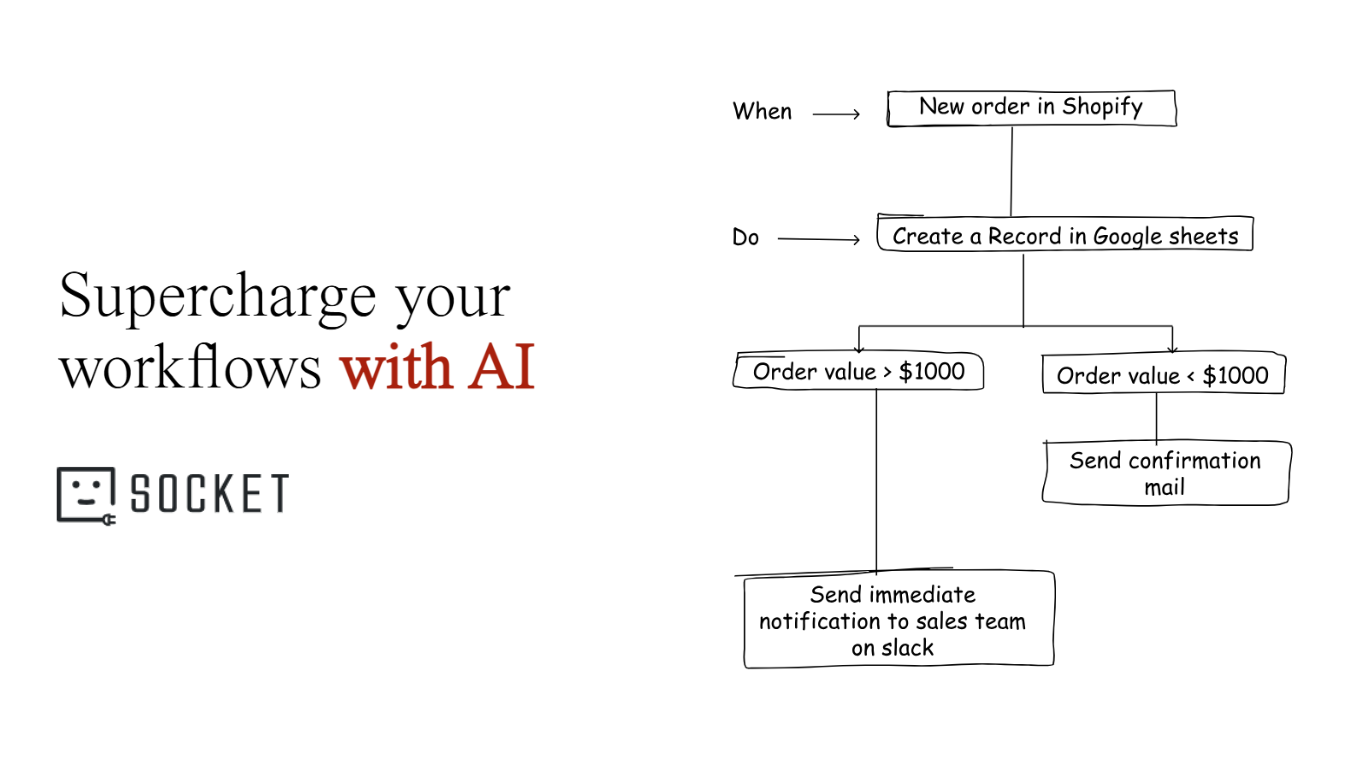
Top 10 Best Zapier Alternatives in 2026: Why Linear Automation Is Dead
According to Gartner's projections, over 80% of enterprises will deploy generative AI apps or APIs by 2026. This will shift them away from simple rule-based triggers. The “Zapier Tax” and rigid “If This Then That” logic are suffocating scaling startups and mid-market SMBs. When you pass a complex Large Language Model (LLM) context or handle multi-branch logic, traditional platforms fail. They also bill you for every small task.
This guide breaks down the top platforms built to handle 2026-level automation complexity. For product managers, founders, and lead developers, choosing the right infrastructure can make or break AI scalability. It can also prevent task-based invoice bloat.
What Defines a Next-Generation Zapier Alternative?
The defining characteristic of modern automation is the shift from moving static data to orchestrating dynamic intelligence. In the past, if an API endpoint changed or a data field was missing, the entire workflow crashed. Today, a next-generation Zapier alternative treats workflows as resilient, context-aware systems.
Think of legacy automation like a train on a fixed track. It can transport a massive amount of cargo very efficiently, but it can only go exactly where the rails are laid. If a tree falls on the tracks, the train stops completely. A next-generation automation platform operates more like a fleet of self-driving cars. You give the system a final destination (the goal).
It reads real-time traffic (the data context) to pick the best route.
It detours around obstacles as they appear.
Modern integration platforms are defined by five core characteristics:
- Dynamic graph-based logic: These workflows can branch in many directions. They can loop back and repeat steps. They can also run multiple steps at the same time. They do not have to follow a strict step-by-step path.
- AI-native architecture: Treating AI prompts as core infrastructure, rather than just another API connector.
- Invocation-based pricing: Charging for each successful workflow run, instead of charging for every app the data touches.
- MCP-ready: Supporting the Model Context Protocol to allow AI agents to securely query private enterprise databases.
- Complex LLM orchestration: The ability to keep memory and pass complex JSON data between AI models. It keeps context intact. This often uses orchestration frameworks like LangChain.
Why Is Task-Based Billing Killing Your SaaS Margins?
Traditional automation platforms use a "per-task" pricing model. This means every time data moves from one step to another, a meter runs. Imagine a workflow where a new lead comes in: it checks the email validity (1 task), queries Clearbit for enrichment (1 task), adds the user to a CRM (1 task), assigns a sales rep (1 task), and sends a Slack notification (1 task).
That is five tasks for one lead. If your marketing campaign generates 10,000 leads in a week, you just burned 50,000 tasks on a single, basic process. For scaling SaaS startups, this forces operations teams to artificially limit their automations to avoid bankrupting their department.
Why Does Linear Automation Fail for AI Agents?
AI agents require context, memory, and the ability to ask clarifying questions before proceeding. Linear setups force AI into a rigid box where it cannot loop back to fetch missing data. If an AI agent reads an incoming support ticket and realizes it is missing the customer's billing history, a linear "If-This-Then-That" flow breaks. It cannot dynamically pause, query Stripe, and resume the reasoning process. This results in hallucinated responses or broken data syncs.
Why Is Model Context Protocol (MCP) Essential for 2026?
Introduced by Anthropic, the Model Context Protocol (MCP) replaces thousands of fragile, hardcoded API connectors with an open-source, universal standard for AI communication. Without it, developers waste countless hours hardcoding specific connections between LLMs and enterprise tools. MCP allows an AI agent to securely "discover" what data is available in your systems and pull exactly what it needs, ensuring workflows remain resilient even when underlying APIs change.
Evaluation Criteria for AI-Native Integration Platforms
When evaluating integration platforms, you must look past the total number of app connectors and examine the underlying engine.
- Multi-branch logic capability: Can the platform route data based on conversational context, or does it only rely on strict "true/false" filters?
- Invocation vs. task pricing: Will you be penalized for adding necessary quality-assurance steps to your workflow?
- Native AI debugging tools: Can you see exactly what prompt was passed to the LLM and exactly what JSON it returned, or is it a black box?
- MCP integration support: Does the platform allow secure, localized querying of your databases without exposing sensitive data to public AI training pools?
- JSON-first / batch processing capability: Can the system handle arrays of data (e.g., 50 rows at once) natively using structured function calling, or does it force you to process them one by one?
10 Zapier Alternatives and competitors in 2026
Here are affordable Zapier alternatives:
1. viaSocket
viaSocket blends Zapier’s familiar, easy interface with powerful built-in features that most automation tools lack. It delivers enterprise-grade automation power with startup-friendly usability, all without the task-based cost explosion.
With over 2025+ integrated apps, viaSocket acts as the central nervous system for your tech stack. What truly separates it is its JSON-first architecture and the built-in DB Dash (table.viasocket.com). Our platform includes its own relational database, so you can store permanent data securely without relying on spreadsheets.
For AI builders, viaSocket provides native MCP support for AI-driven workflows and built-in AI debugging, allowing you to trace exactly how an LLM interpreted your prompt. Backed by SOC 2 compliance, predictable cost caps (invocation-based pricing), and 24/7 human support (not just a chatbot), viaSocket removes the billing stress from scaling. viaSocket is currently offering Lifetime Free Access, making it highly accessible for agile teams.
- Best for: Startups, agencies, and scaling ops teams orchestrating AI agents.
- Key strength: Native DB Dash, MCP support, and zero learning curve.
- Consider if: You want predictable invocation pricing and need to manage complex AI data natively without relying on external spreadsheets.
viaSocket Lifetime Pricing Model
viaSocket offers a flexible lifetime-style pricing approach where users can start free and scale affordably with a pay-as-you-go credit system. Instead of heavy fixed monthly subscriptions, users can top up credits anytime and use them for premium built-in plugs or additional automation tasks. The plan includes up to 2000 tasks per month, 500 credits per month, webhooks, scheduled workflows, AI-powered workflow building, custom API access, human intervention steps, and integrations with 2000+ apps, including WhatsApp and SMS.
To explore full pricing details and start for free, visit:
https://viasocket.com/pricing
While most automation platforms lock advanced workflows behind expensive monthly plans, viaSocket is currently offering Lifetime Free Access, making enterprise-grade automation accessible to everyone.
viaSocket reviews
Here's what customers of viaSocket rate the platform on third-party review sites:
- Capterra: 4.8 out of 5-star rating (from +626 user reviews)
- G2: 4.6 out of 5-star rating (from +82 user reviews)
2. Make

Make.com is a cloud-based visual automation and integration platform that enables users to connect apps, services, and systems to automate tasks — all without writing code. Users build automated workflows called “scenarios” by visually dragging and connecting modules on a canvas.
- These “scenarios” are sequences of triggers and actions that automatically execute business processes.
- It’s used by individuals, small businesses, and enterprises to automate repetitive tasks and data flows.
Make has grown significantly since its rebrand (from Integromat in 2022) and is known for its flexibility, visual builder, and deep integration ecosystem.
Make - Quick Overview
What’s Great
- Lots of tutorials and community resources online
- Supports 2,500+ app integrations for wide automation possibilities
- Visual workflow builder makes automations easy to design
- Budget-friendly compared to many competitors
What Could Be Better
- The interface can feel a bit outdated or clunky
- Not as stable or polished as higher-end automation tools
- Limited advanced AI features compared to newer platforms
Make is a strong, affordable alternative to tools like Zapier, especially if you want visual, multi-step workflows. It’s a solid choice for most automation needs, but newer AI-first platforms may offer easier and smarter automation building.
- Best for: Visual thinkers and intermediate automation builders.
- Key strength: Limitless visual branching and deep app endpoints.
- Consider if: You want a more affordable, non-linear alternative to Zapier but don't strictly require enterprise AI governance or native MCP.
Make reviews
Here’s what customers of Make rate the platform on third-party review sites:
- G2: 4.7 out of 5 star rating (from +252 user reviews)
- Capterra: 4.8 out of 5 star rating (from +406 user reviews)
3. n8n
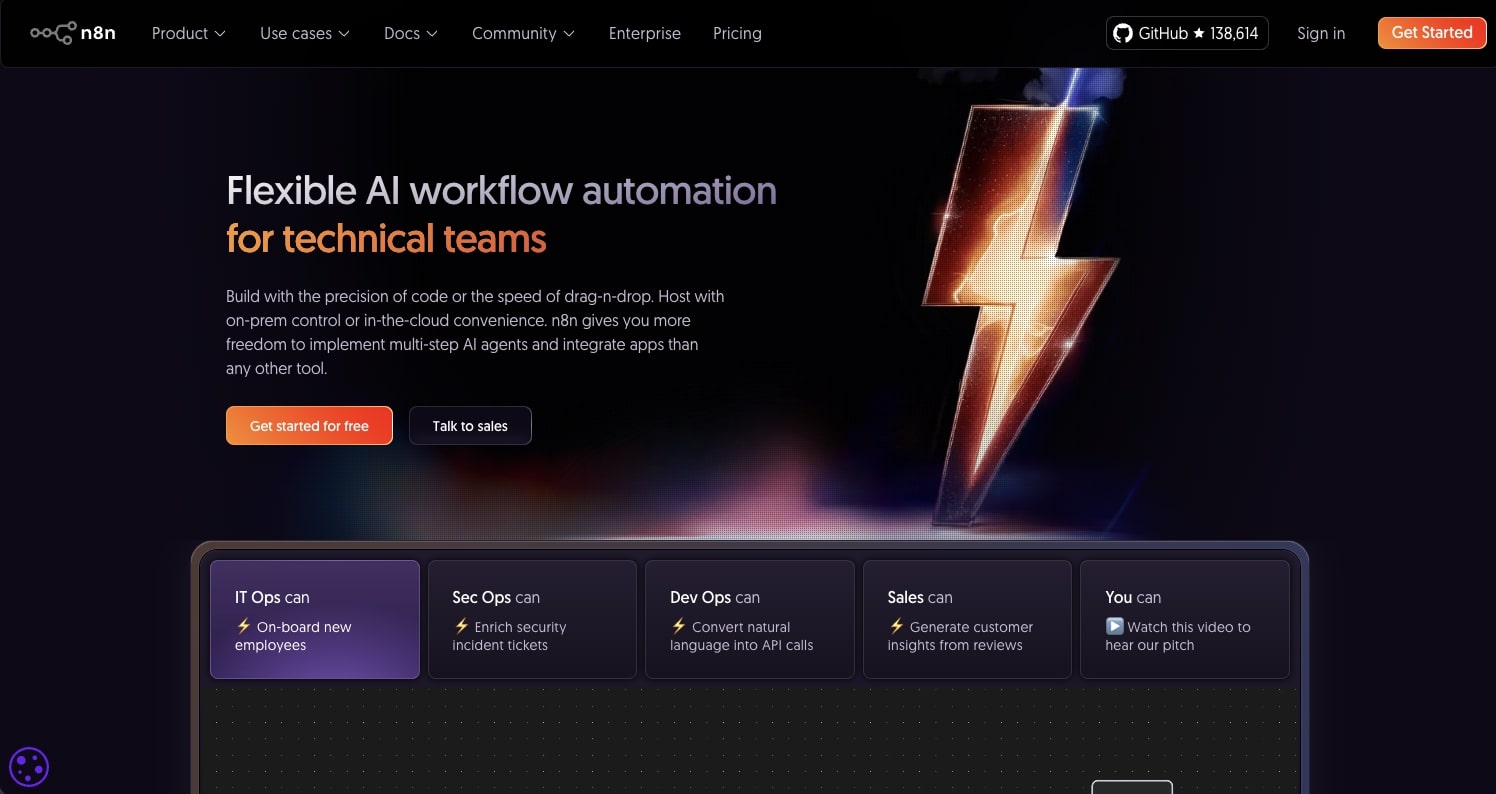
n8n (pronounced “n-eight-n”) is a workflow automation platform that lets users connect apps, APIs, and services to automate tasks and processes — with visual flows and rich logic — often without writing much code. It’s known for combining the ease of drag-and-drop automation with the flexibility developers crave.
Unlike many closed, commercial tools, n8n is open-source and self-hostable, giving teams full control over their automation infrastructure, data, and customization.
n8n — Quick Overview
What’s Great
- Very popular with a large community and free learning resources
- Offers self-hosting, giving full control over data and infrastructure
- Huge collection of community-built workflow templates
- Trusted by companies like Microsoft, Vodafone, and Wayfair
What Could Be Better
- More low-code than pure no-code, so some technical knowledge helps
- Interface can feel slightly outdated
- Requires your own API keys for LLM integrations
n8n is a powerful Zapier alternative with strong flexibility and control. However, compared to AI-first tools like Gumloop, it may feel a bit more technical and less beginner-friendly.
- Best for: Technical teams and developers prioritizing data privacy.
- Key strength: Complete control over data and zero limits on task volume when self-hosted.
- Consider if: You have the engineering resources to maintain a server and need to bypass SaaS pricing tiers entirely.
n8n reviews
Here's what customers of n8n rate the platform on third-party review sites:
- G2: 4.8 out of 5-star rating (from +135 user reviews)
- Capterra: 4.6 out of 5-star rating (from +39 user reviews)
4. Gumloop

Gumloop is an emerging AI-first automation platform that allows businesses and teams to design, build, and execute complex automated workflows without writing any code. It blends traditional workflow automation features with deep AI capabilities so users can automate not just repetitive tasks, but also decision-making and intelligence-driven processes.
- Best for: Marketers, HR, and founders without coding experience.
- Key strength: Built-in premium LLM access within the subscription.
- Consider if: You want the power of an AI engineer without writing a single line of code.
Gumloop reviews
Here's what customers of Gumloop rate the platform on third-party review sites:
- G2: 4.8 out of 5-star rating (from +6 user reviews)
- Capterra: 5 out of 5-star rating (from +2 user reviews)
5. Relay.app
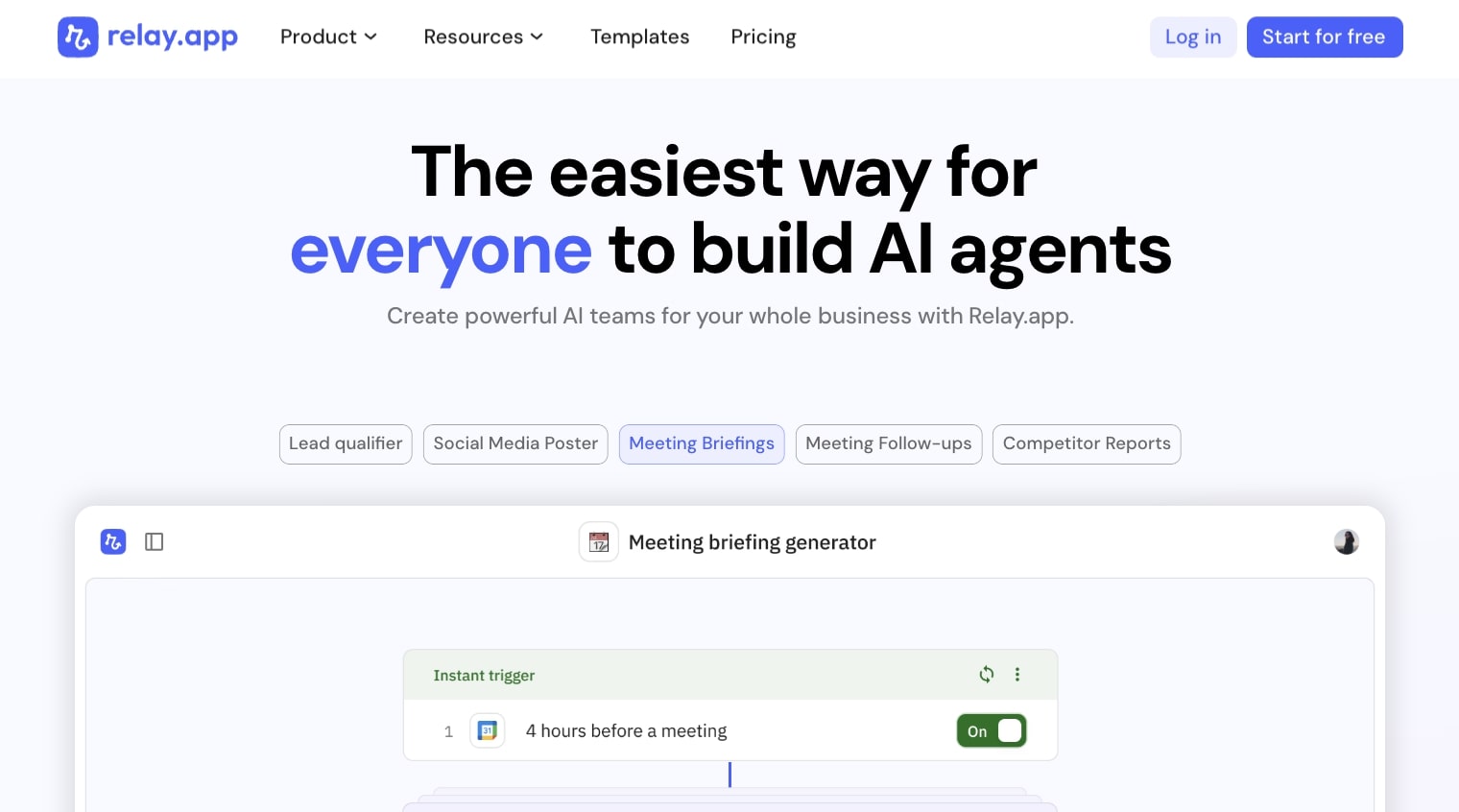
Relay.app focuses heavily on combining automated steps with manual human approvals to ensure high-stakes workflows don't execute without oversight.
Relay.app — Quick Overview
What Stands Out About Relay.app
- Built-in AI-powered actions — no need to connect external AI services
- Human-in-the-loop support lets workflows pause for approval or edits
- Visual, drag-and-drop workflow builder makes automation intuitive
- Collaboration tools for teams to build and manage automations together
- Connects with many popular apps (email, CRM, docs, messaging)
Where Relay.App is still developing
- The integration library isn’t as large as some legacy automation tools
- Advanced technical customizations may require more specialized platforms
Relay.app blends automation, AI logic, and human oversight into a single platform.
Unlike tools that focus only on app connectors or developer flexibility, Relay.app makes it easy to build smart workflows with built-in AI and team collaboration features.
If you want powerful automation that can pause for human decisions and run AI tasks without extra configuration, Relay.app is a modern, user-friendly option
- Best for: Customer success and sales teams handling sensitive outreach.
- Key strength: Seamlessly pausing workflows for human review.
- Consider if: You are using AI to draft content or emails and require a manager's sign-off before hitting send.
Relay.app reviews
Here's what customers of Relay.app rate the platform on third-party review sites:
- G2: 4.9 out of 5 star rating (from +72 user reviews)
- Capterra: 5 out of 5 star rating (from +1 user reviews)
6. Pipedream
Pipedream is built specifically for developers, blending pre-built integration nodes with custom serverless code environments (Node.js, Python, Go).
Pipedream — Quick Overview
What’s Great
- Developer-First Workflow Platform: Lets you build complex, event-driven automations that integrate APIs, databases, apps, and more.
- Flexible Code Support: Run custom code in Node.js, Python, Go, or Bash inside workflows whenever needed.
- Large Ecosystem: Access thousands of pre-built components and integrations for hundreds of APIs.
- Serverless & Scalable: Built on a serverless execution model that scales from small projects to high-traffic apps.
- Generous Free Tier: Substantial free plan that’s excellent for testing and smaller workloads.
What Could Be Better
- More Technical Focus: Geared toward developers; not as beginner-friendly as pure no-code tools.
- Credit-Based Pricing: Understanding and managing credits can take some learning.
- Minimal Visual Builder: Less visual workflow design compared with drag-and-drop automation platforms.
Pipedream is a powerful automation and integration platform built for technical teams that need deep control and flexibility over workflows. It’s ideal if you want to connect APIs, write custom logic within automations, and scale with a serverless architecture. Compared with more beginner-focused tools, it offers greater developer control but also requires a bit more technical know-how.
- Best for: Backend developers and software engineers.
- Key strength: Incredible flexibility through custom code steps and webhook management.
- Consider if: Your team prefers writing code for custom logic rather than using a rigid UI builder.
Pipedream reviews
Here's what customers of Pipedream the platform on third-party review sites:
- G2: 4.6 out of 5-star rating (from +70 user reviews)
- Capterra: 5 out of 5-star rating (from +5 user review)
7. Workato
Workato is a heavy-duty Integration Platform as a Service (iPaaS) built for enterprise companies with strict IT governance and massive legacy systems.
Workato — Quick Overview
What’s Great
- Enterprise-Grade Automation: Designed for mid-size to large companies with complex integration and automation needs.
- Wide Connector Ecosystem: Connects hundreds of business systems — from ERP and CRM to HR and databases.
- Advanced Logic & Data Handling: Supports multi-step workflows, conditional paths, error handling, and data transformation.
- Governance & Compliance: Offers strong enterprise controls, audit trails, and security features needed for large IT environments.
What Could Be Better
- Higher Cost: Pricing is typically much higher than consumer-focused tools, which can make it less accessible for small teams or startups.
- Steeper Learning Curve: The depth and breadth of features can require more time to learn and configure.
- Not Ideal for Simple Tasks: Best suited for complex, business-critical automations — overkill for basic personal use.
Workato is a powerful enterprise automation platform built for organizations that require robust integration, strong governance, and complex workflows. If your priority is scalable, secure automation across large systems and teams, Workato is a strong choice — though it may be more than what smaller businesses need.
- Best for: Large enterprise IT departments.
- Key strength: Unmatched security compliance and deep legacy ERP connections.
- Consider if: You have a significant enterprise budget and need to connect modern cloud tools with on-premise legacy systems safely.
Workato reviews
Here's what customers of Workato rate the platform on third-party review sites:
- G2: 4.7 out of 5-star rating (from +630 user reviews)
- Capterra: 4.6 out of 5-star rating (from +84 user reviews)
8. Activepieces
Activepieces is an open-source, no-code alternative that bridges the gap between Zapier's simplicity and n8n's self-hosted power, with a very clean interface.
What’s Great
- Open-Source & Self-Hosted: Full control over your automation setup — you can run Activepieces on your own infrastructure without monthly SaaS fees.
- No-Code Visual Builder: Easy drag-and-drop workflow builder lets you design automations without coding.
- Cost-Effective Solution: Being open-source, it can be a budget-friendly alternative to paid automation tools.
- Community-Driven Growth: Increasing integrations and templates created by an active developer community.
What Could Be Better
- Integration Library Still Growing: Fewer native app connectors compared with established players like Make or Zapier.
- Technical Setup Required: Self-hosting flexibility comes with the need for some setup work (servers, Docker, etc.).
- Not Enterprise-Focused Yet: Lacks advanced governance and compliance features for large organization-wide automation.
Activepieces is a strong choice if you want open-source, no-code automation with full control and low cost. It fits perfectly for startups, tech-savvy users, and teams who prefer self-hosting. However, its ecosystem and enterprise feature set are still maturing compared with long-standing automation platforms.
Activepieces reviews
Here's what customers of Activepieces rate the platform on third-party review sites:
- G2: 4.8 out of 5-star rating (from +152 user reviews)
9. Integrately
Integrately boasts millions of pre-built, one-click "recipes" designed to get simple, 2-step automations running in seconds without overthinking the logic.
Integrately — Quick Overview
What’s Great
- Beginner-Friendly Automation: Simple, clean interface makes it easy to build automations even if you’re new to workflow tools.
- One-Click Automations: Offers ready-made automation templates that you can activate with a single click.
- Affordable Pricing: Competitive plans that make it attractive for small businesses and solopreneurs.
- Wide App Support: Supports hundreds of apps and services across common business categories.
What Could Be Better
- Limited Custom Logic: Not as strong with complex branching and advanced workflow logic compared to tools like Make or n8n.
- Less Flexible for Developers: More focused on plug-and-play automations than deep customization.
- Smaller Community: Fewer third-party tutorials and resources than larger platforms.
Integrately is a straightforward, no-code automation platform that’s ideal for users who want quick, pre-built workflows without the hassle of building from scratch. It’s a great choice for simple to moderate automations, but may fall short for highly complex needs or developer-centric customization.
- Best for: Small business owners and non-technical freelancers.
- Key strength: Extremely fast setup for standard point-to-point workflows.
- Consider if: You just need basic data syncing and are highly price-sensitive.
Integrately reviews
Here's what customers of Integrately rate the platform on third-party review sites:
- G2: 4.7 out of 5-star rating (from +700 user reviews)
10. Tray.io
Tray.io (Tray.ai) is a robust enterprise tool heavily focused on allowing SaaS companies to embed integrations for their end-users.
Tray.io — Quick Overview
What’s Great
- Enterprise-Ready Automation: Built for complex, large-scale workflows across systems like CRM, ERP, marketing stacks, and data platforms.
- Flexible Logic Engine: Support for advanced branching, loops, data transformations, and API orchestration.
- Scalable Architecture: Designed to handle high-volume, mission-critical automations with reliability.
- Developer Friendly: Full support for custom code, serverless functions, and deep API integrations.
What Could Be Better
- High Price Point: Typically aimed at mid-to-large enterprises — can be expensive for smaller teams.
- Complex for Beginners: The powerful capabilities come with a steeper learning curve compared to simpler platforms.
- Not Focused on AI: While it integrates with tools that offer AI, Tray.io itself isn’t centered around built-in AI features.
Tray.io is a robust enterprise workflow automation platform designed for complex, data-intensive use cases. It’s ideal for teams that need deep integration logic, scalability, and reliability — but less suited for individuals or small businesses looking for simple, ready-to-use automations.
- Best for: B2B SaaS product teams.
- Key strength: White-labeled embedded integrations.
- Consider if: Your main goal is to offer "native" integrations to your own software customers without building them from scratch in-house.
Tray.io reviews
Here's what customers of Tray.io rate the platform on third-party review sites:
- G2: 4.5 out of 5 star rating (from +157 user reviews)
- Capterra: 4.9 out of 5 star rating (from +11 user reviews)
How to Choose the Right Automation Architecture
According to research by the Boston Consulting Group, roughly 70% of digital transformation and migration projects fail to meet their goals, frequently due to a mismatch between the platform chosen and the internal developer bandwidth available.
Developer Bandwidth Analysis
If you have limited developer resources, lean toward tools with intuitive UI and pre-built templates. If you have a dedicated engineering team, platforms that allow raw JSON manipulation and custom serverless functions will prevent your engineers from feeling boxed in by a rigid visual builder.
Cost Modeling Example
Map out your highest-volume workflow. Let’s assume an onboarding sequence requires 15 distinct steps (enrichment, CRM update, Slack ping, email, database log, etc.).
If you process 5,000 new users a month:
- Task-based pricing: 15 steps × 5,000 runs = 75,000 tasks billed.
- Invocation-based pricing: 1 workflow run × 5,000 runs = 5,000 invocations billed.
When you truly need AI agents to loop and reason, the number of steps per run is unpredictable. Invocation pricing provides necessary cost stability.
Quick Decision Guide
- AI agents + MCP + cost stability → viaSocket
- Basic syncing → Make
- Self-hosted privacy → n8n
- Enterprise governance → Workato
Common Challenges When Migrating Complex API Workflows
Rebuilding Large Zaps into Clean Logic
Translating a 50-step linear flow into a new platform often results in a messy, unreadable web of logic. Break the large workflow into smaller, modular sub-routines. Use webhooks to have one core workflow trigger sub-processes seamlessly.
OAuth Migration and Authentication Management
Re-authenticating dozens of apps across a new platform can lead to expired tokens and broken connections. Utilize platforms that centralize credential management, allowing you to update an API key once and have it apply to all active workflows instantly.
Navigating Rate Limits During Batch Processing
Legacy tools process data row-by-row, which can easily trigger API rate limits (HTTP 429 errors) and shut down your automation. Switch to tools with JSON-first architectures that support native batch processing, sending data in bulk payloads rather than individual, rapid-fire pings.
Preventing LLM Context Loss
LLMs often "forget" initial instructions by the time they reach step 4 of a complex workflow, leading to hallucinations. Implement strict JSON schemas for the LLM output and use MCP to standardize how data is fed to the model, ensuring the AI maintains a stable memory of the exact data it is working with.
Advanced Automation Use Cases for Scaling Startups
AI-Driven Revenue Routing
Instead of simple round-robin assignments, an AI agent can read incoming lead data, analyze the prospect's company website for tech stack indicators, score the lead's intent based on recent funding rounds, and route the lead to the exact sales rep specialized in that vertical, all within seconds.
DevOps Alert Triage and Resolution
When a server spikes, a workflow catches the PagerDuty alert. It uses an LLM to read the raw error logs, queries a private internal wiki via MCP for known fixes to that specific error code, and drops a summarized root-cause analysis and suggested runbook into Slack before an on-call engineer even opens their laptop.
Multi-Agent Support Automation
A tier-1 AI agent reads an incoming support ticket, categorizes it, and routes it to a specialized tier-2 billing agent. The billing agent checks Stripe, processes a pro-rated refund if the user meets the criteria, and drafts a personalized apology email, pausing for a human manager's click to approve the send.
AI Marketing Connected to Private Product Databases
Marketing teams can connect an LLM directly to their secure product database. The automation pulls the latest inventory specs, feeds them to the AI to generate hyper-accurate ad copy variations, and pushes the approved variants directly to a staging environment for Google Ads.
How Model Context Protocol (MCP) Is Changing System Integrations
Context-Aware AI Connections
APIs require exact, rigid instructions to work. MCP changes the paradigm by giving AI agents a standardized "universal remote" to your data. Instead of hardcoding exactly what the AI should fetch, MCP allows the agent to dynamically discover available data to solve a user's prompt.
Security Architecture and Replacing Hardcodes
A major hurdle in AI automation is the fear of leaking sensitive corporate data to public models. MCP architectures solve this by keeping the data securely within your own servers; the LLM only requests specific, localized context when needed. This eliminates the need for developers to maintain hundreds of hardcoded point-to-point API connections, replacing them with a single, secure protocol layer.
Conclusion
Clinging to legacy, task-based automation is a massive operational liability in a landscape rapidly moving toward intelligent, agentic workflows. To scale your operations without multiplying headcount or breaking your software budget, you must transition to an infrastructure that handles non-linear logic, natively integrates LLMs, and leverages the Model Context Protocol to bridge the gap between AI and your private data.
Platforms that penalize you for building robust, multi-step systems belong in the past. If you are ready to stop syncing rows and start orchestrating true business intelligence, it is time to upgrade your tech stack.
Would you like me to help you map out your first MCP-driven AI workflow on viaSocket?
FAQ Section
What is the most cost-effective alternative to Zapier?
Unlike Zapier’s task-based pricing model, viaSocket offers more scalable and predictable pricing without charging you for every single task execution. It’s built for modern AI-powered and multi-step workflows, so you don’t hit a “Zapier tax” as your automation grows.
With native database support, advanced logic handling, and AI-ready architecture, viaSocket gives startups and growing teams enterprise-level automation at a fraction of the cost, making it the smartest and most cost-efficient Zapier alternative in 2026.
How do I migrate workflows without downtime?
The safest method is to run both platforms in parallel. Build the new workflow in your chosen alternative, test it thoroughly with dummy data, and only turn off the original platform's webhook triggers once you verify the new system is routing data flawlessly.
Which automation tools natively support MCP?
Currently, platforms focusing heavily on AI agent orchestration, such as viaSocket and Gumloop, are leading the market in native Model Context Protocol (MCP) support, allowing secure, dynamic querying of private databases.
Can I self-host these automation platforms?
Yes. Tools like n8n and Activepieces provide source-available or open-source versions that allow your engineering team to deploy the automation engine on your own AWS or local servers, ensuring maximum data privacy.
What is the difference between task and invocation pricing?
Task-based pricing charges you for every single step a workflow takes (e.g., a 10-step flow equals 10 tasks billed). Invocation pricing charges you once for the entire run of the workflow, regardless of how many apps or steps are involved, providing massive cost savings for complex logic.